OPEN-CNC-Shield 2
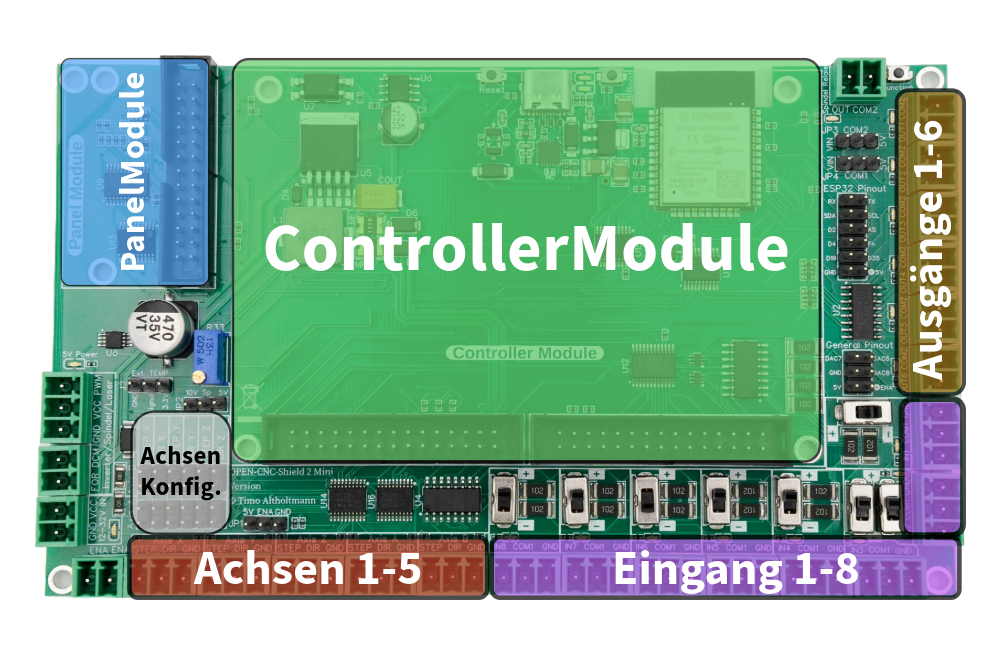
Typical OPEN-CNC-Shield 2 configuration:
- 1 x Mainboard Mini (mandatory)
- 1 x ControllerModule – depends on the desired software/hardware
- 0–1 x PanelModule – for connecting external control elements. Depending on the ControllerModule, the connection options for external controls may vary. Refer to the controller documentation for details: Documentation.
Mainboard Mini
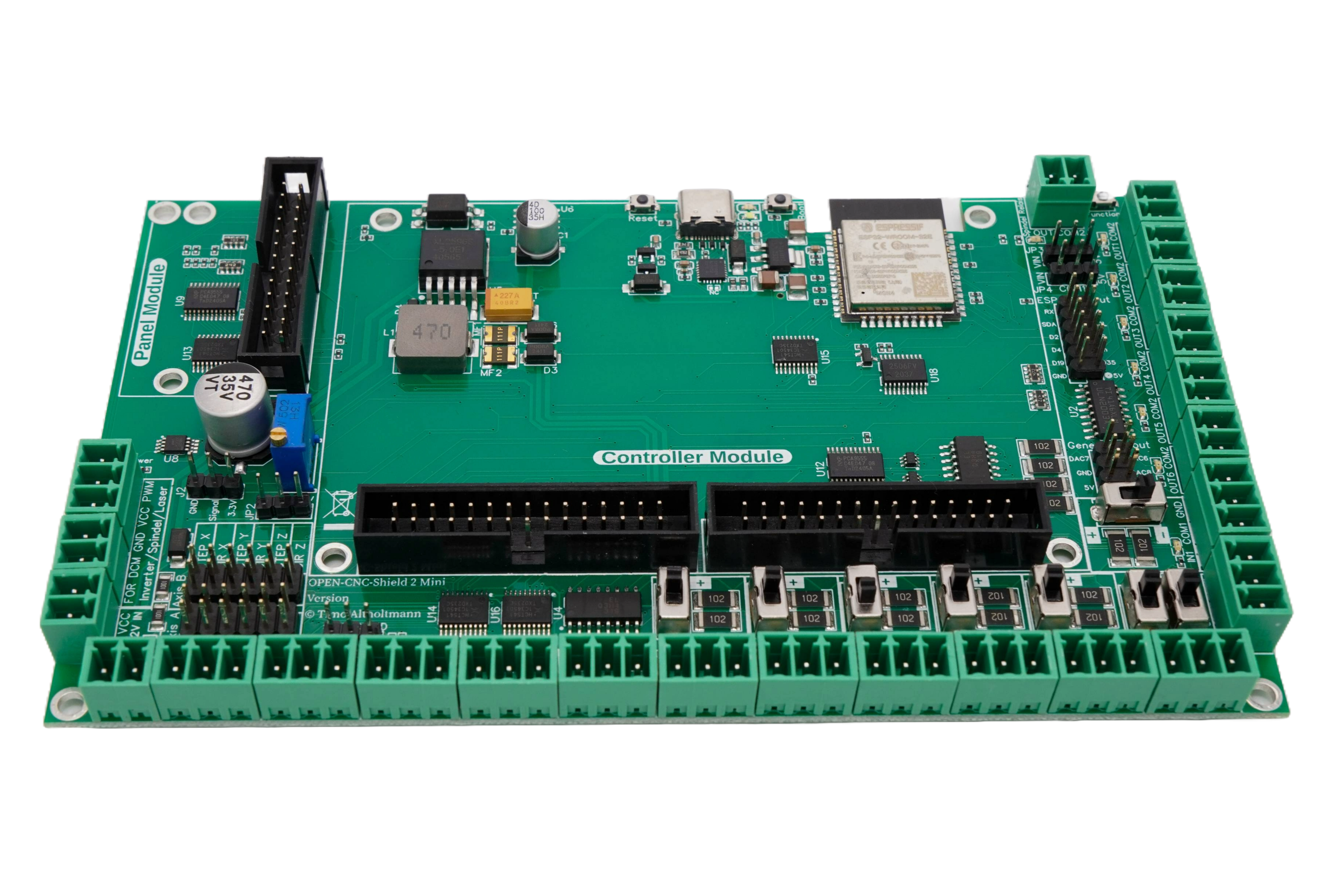
The mainboard forms the foundation for all components and is required once for a control system.


€76.00
No longer available
ControllerModule
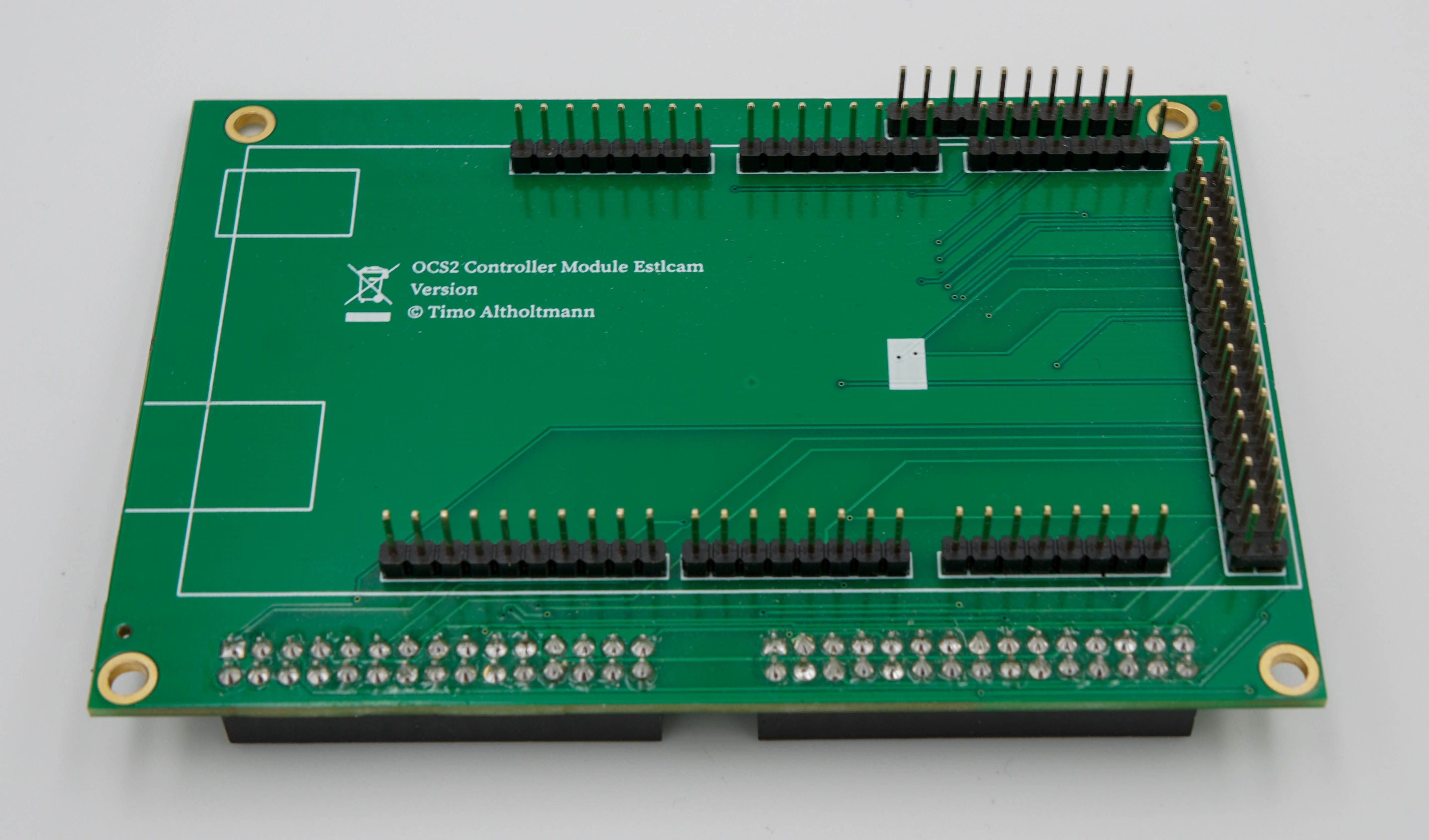
One ControllerModule can be connected to the OPEN-CNC-Shield 2 Mini. The ControllerModule determines which software is used for the CNC. Supported functions can be found in the documentation: ControllerModules
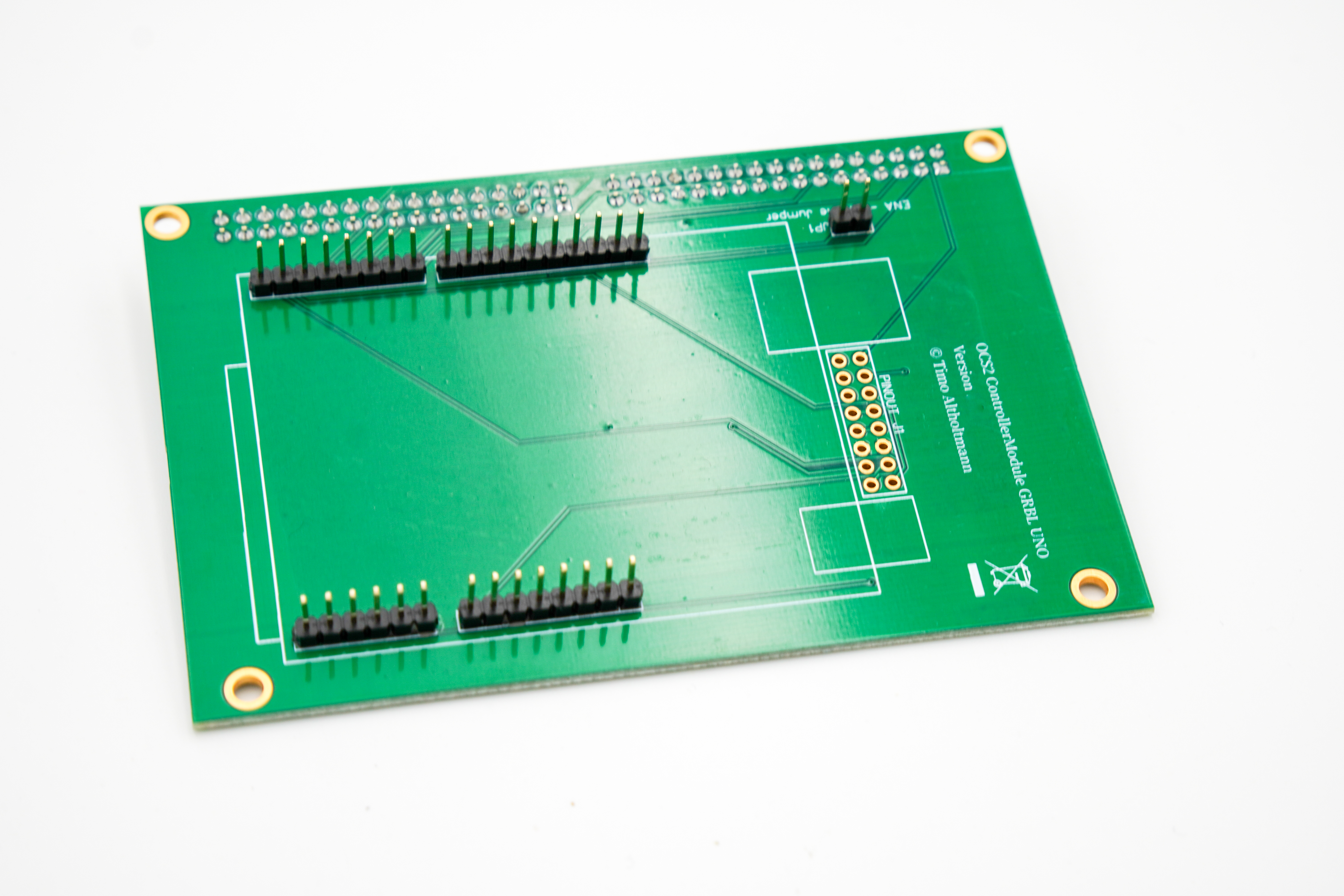
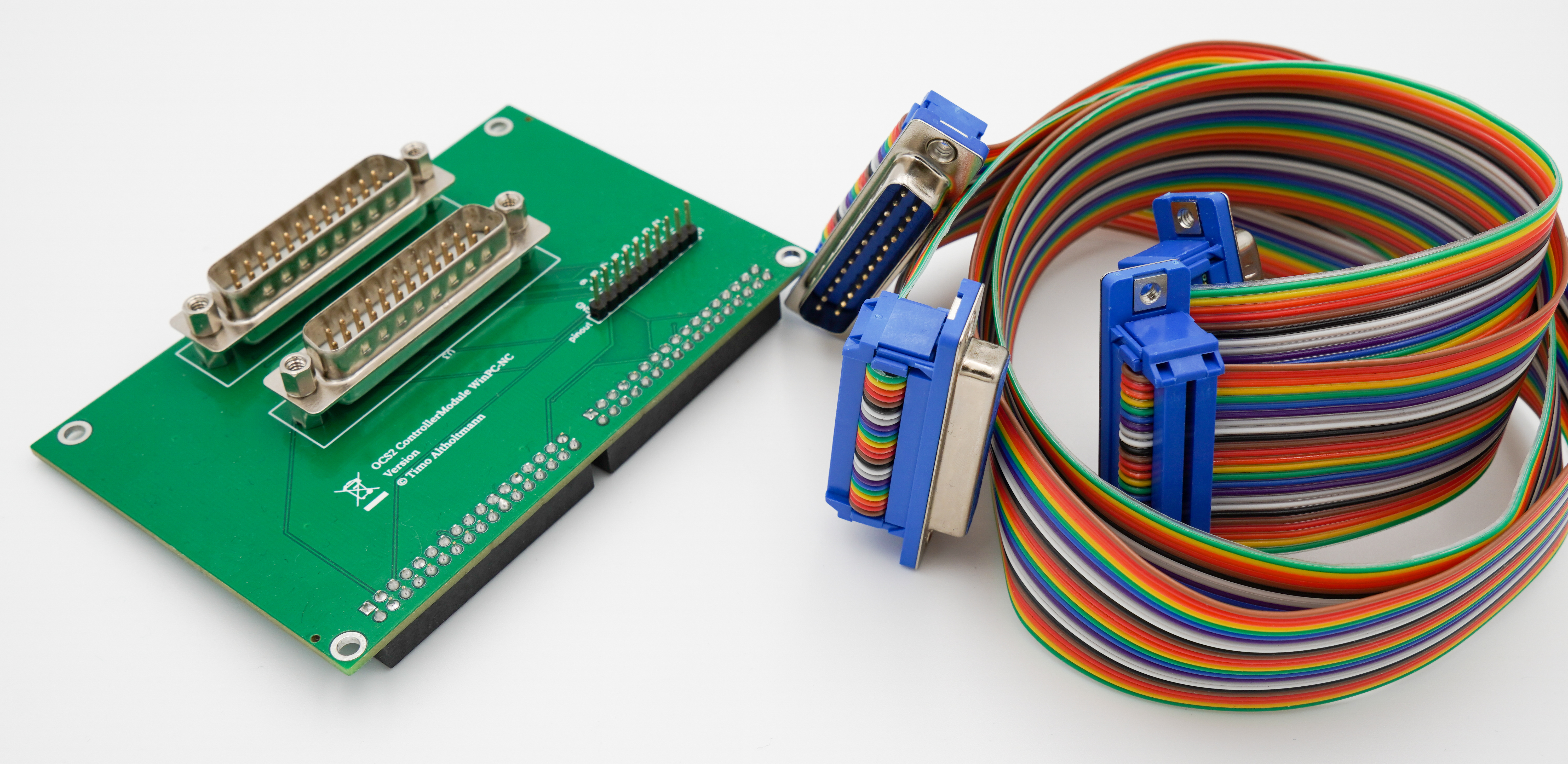
PanelModules
Exactly one PanelModule can be connected to the OPEN-CNC-Shield 2 Mini. The PanelModule serves as the interface for external control elements, such as a handwheel. Depending on the ControllerModule, the connection options for external controls may vary. Be sure to consult the controller documentation: ControllerModules.
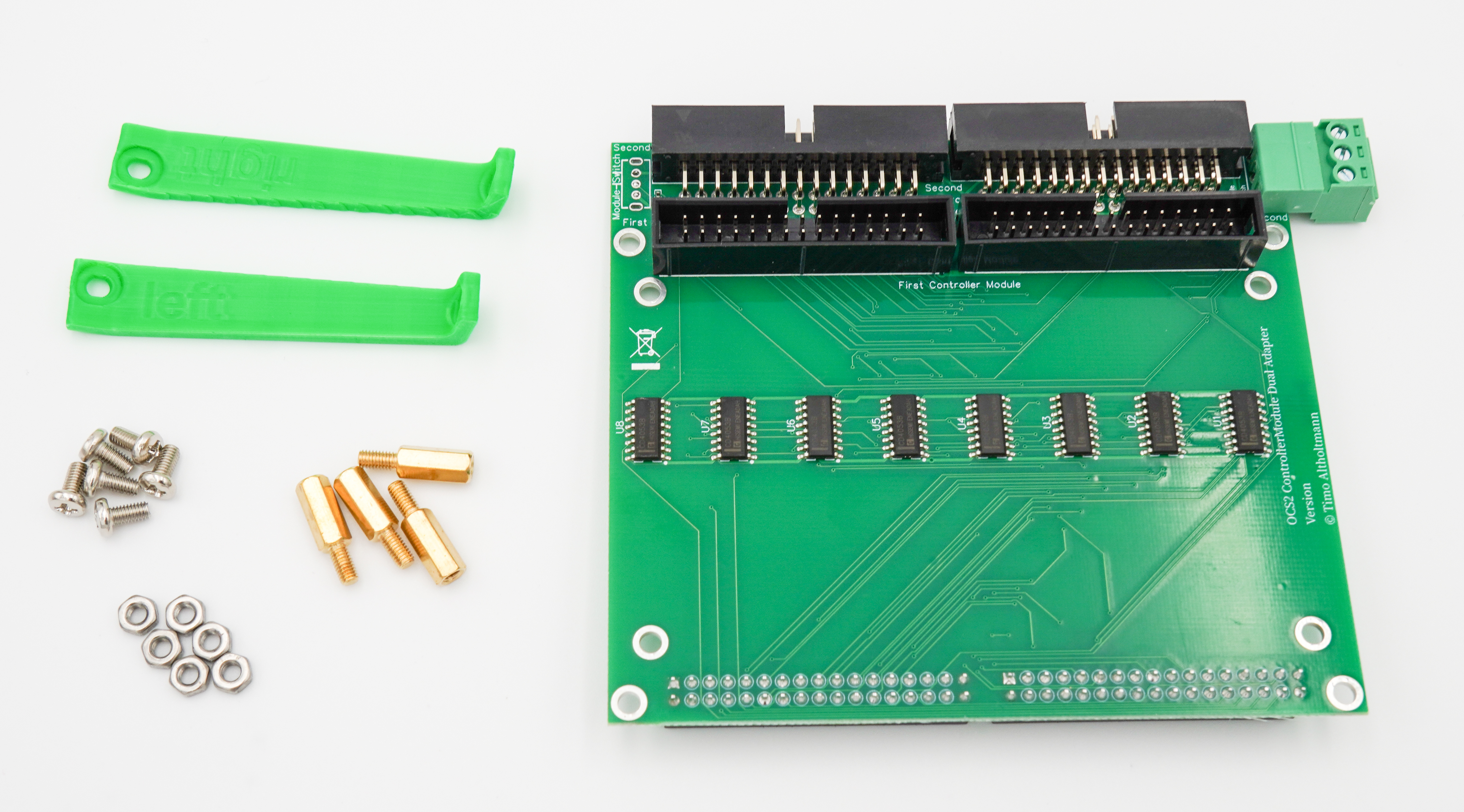
For WinPC and Beamicon, external handwheels are connected directly to the computer via USB or LAN, making them independent of the OPEN-CNC-Shield 2. Therefore, a PanelModule is not required for these controllers.
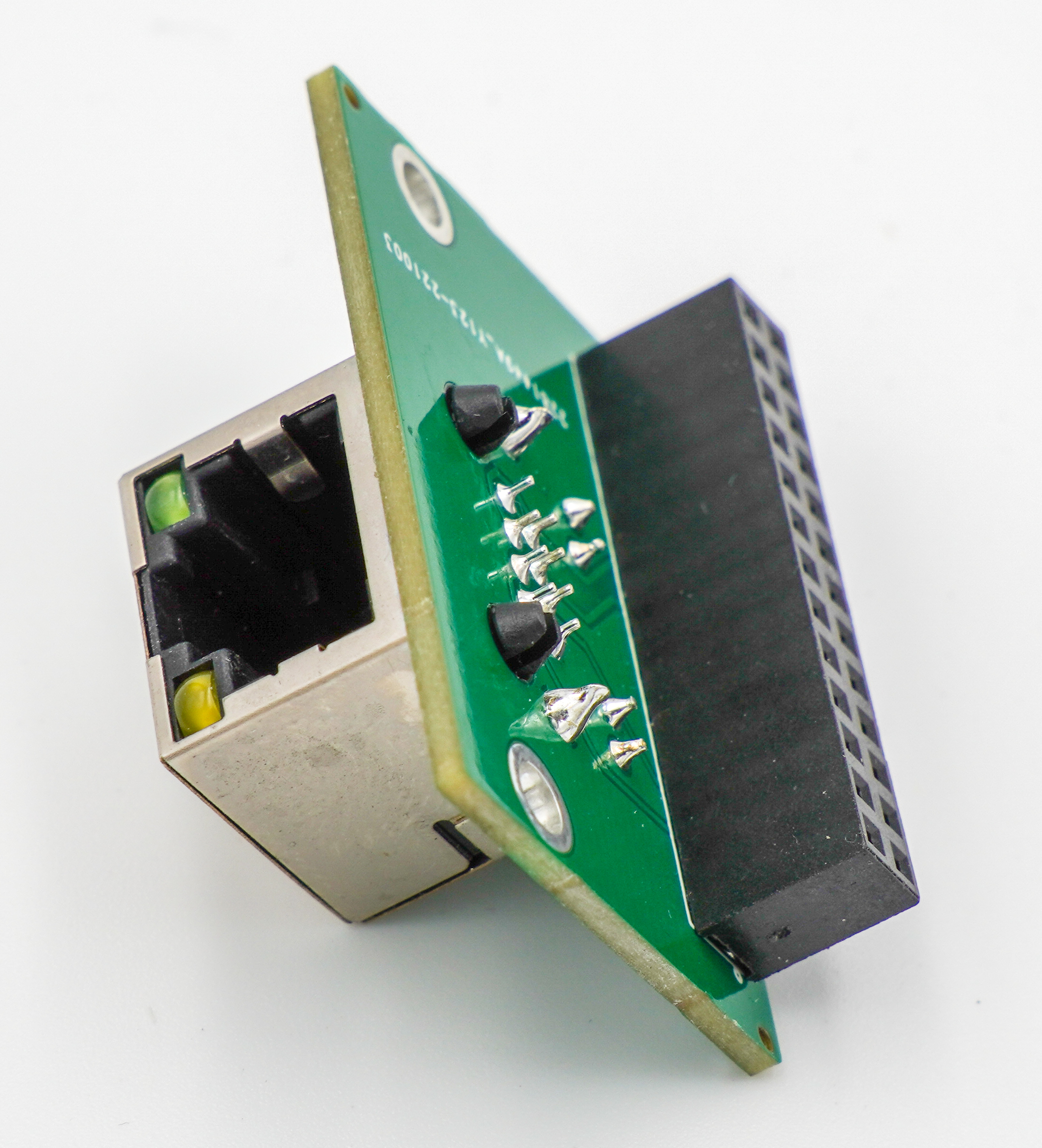
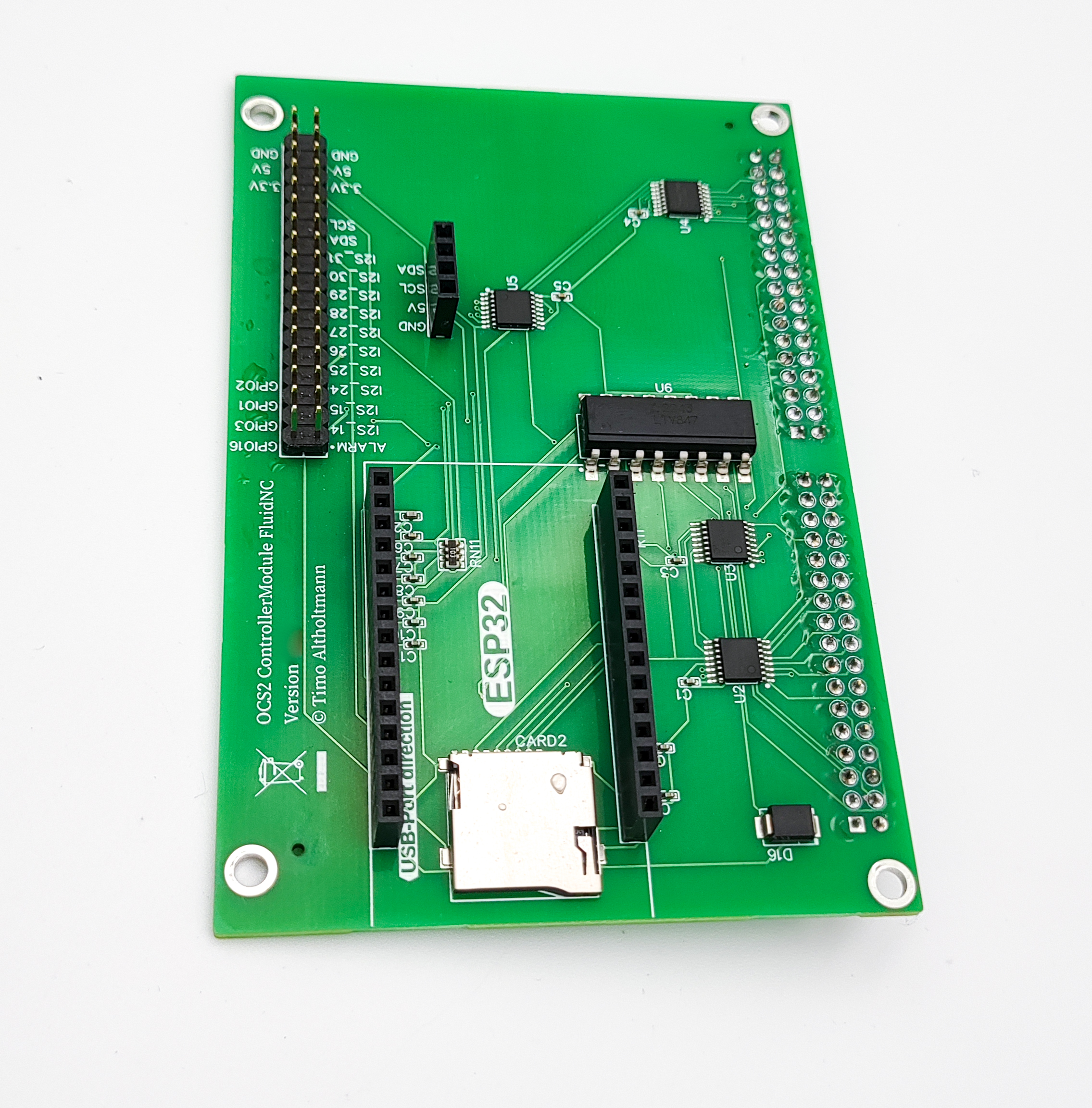
This PanelModule is an expansion board for the OPEN-CNC-Shield 2. This module provides an RJ45 (LAN) interface for connecting a handwheel to the OPEN-CNC-Shield 2. The connection is currently used primarily to supply power to the handwheel. Technical Specifications: RJ45 connector Scope of Delivery: PanelModule Further Links: Documentation
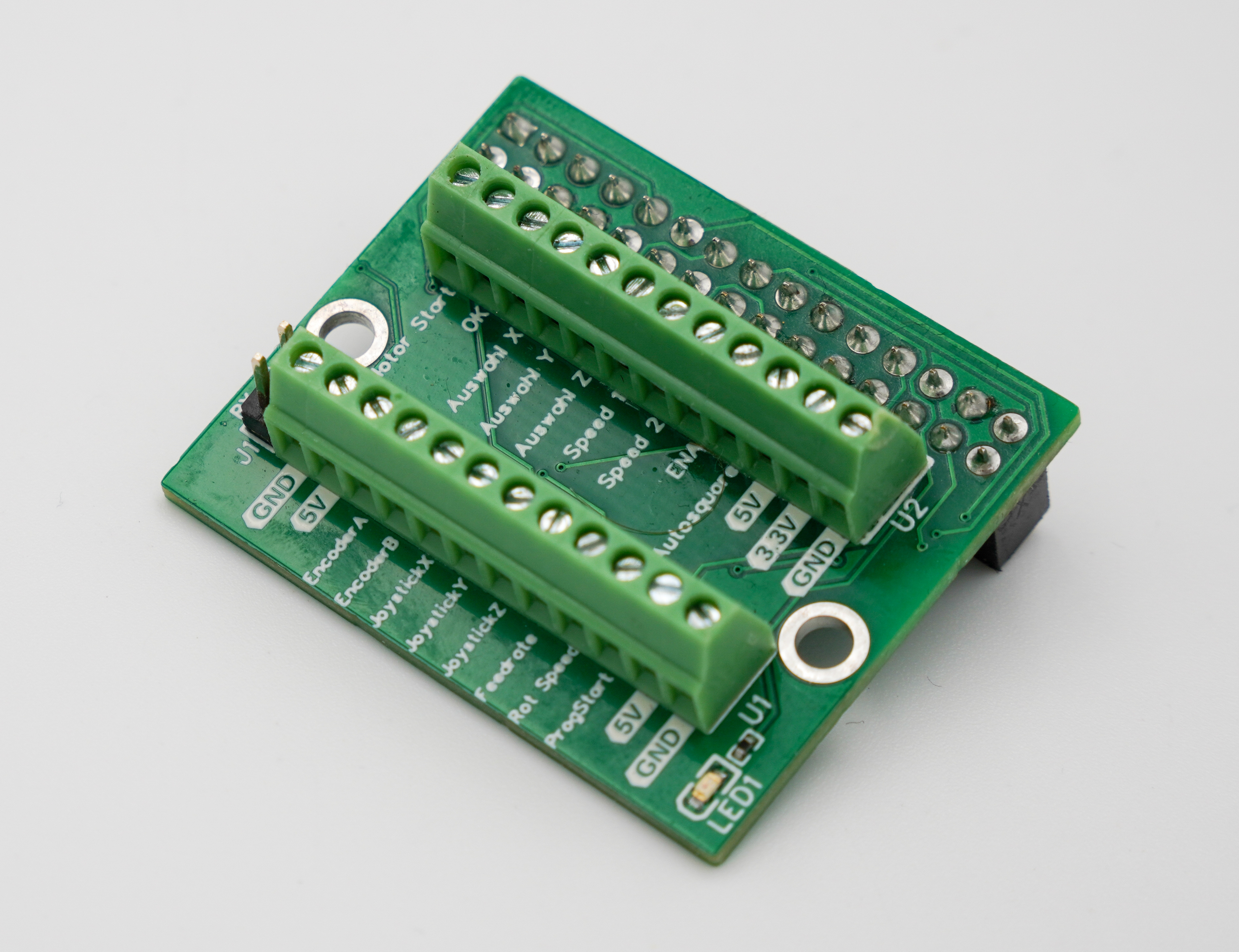
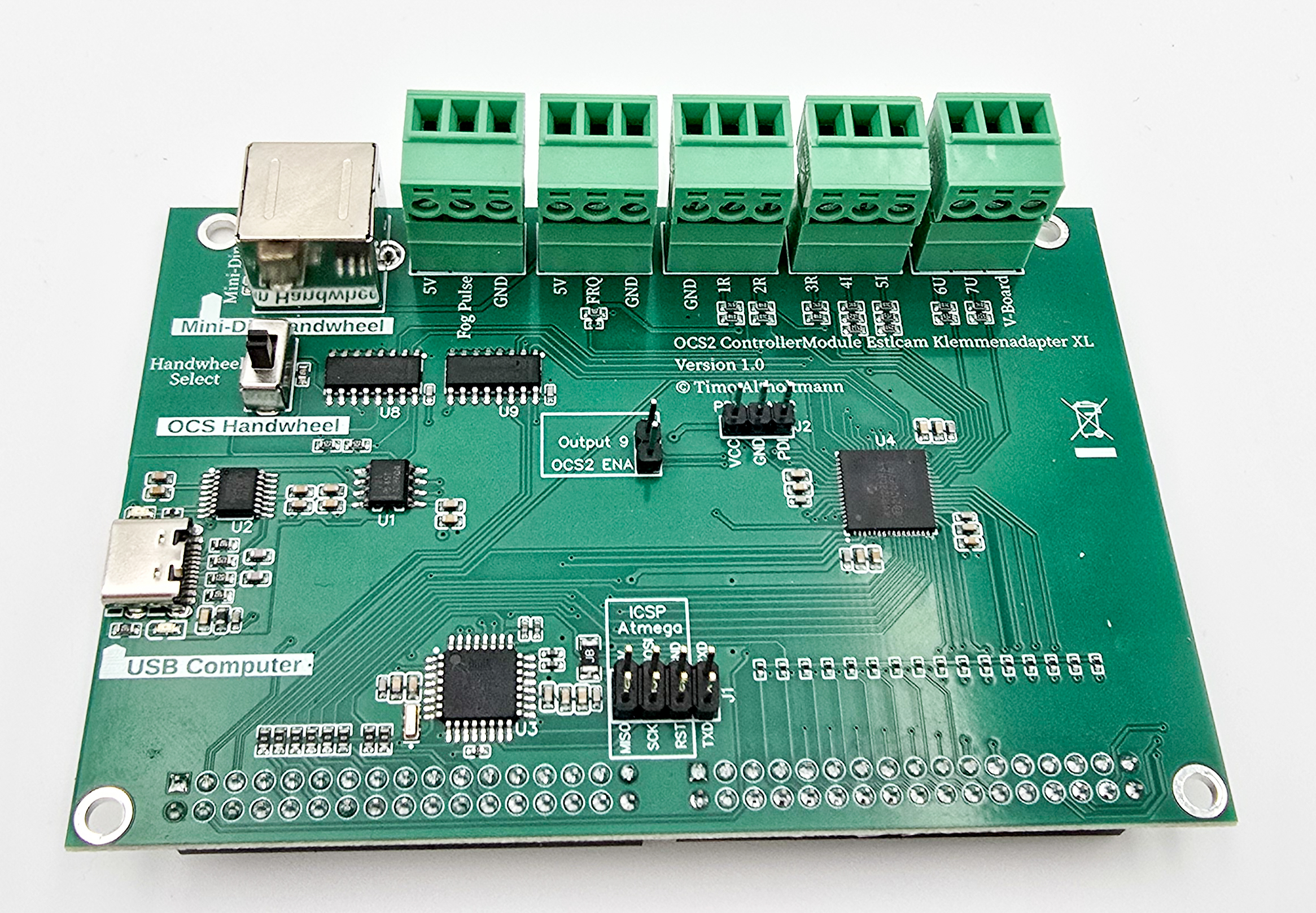
This PanelModule is an expansion board for the OPEN-CNC-Shield 2. This module provides screw terminals for directly connecting various external control elements. Scope of Delivery: PanelModule Further Links: Documentation
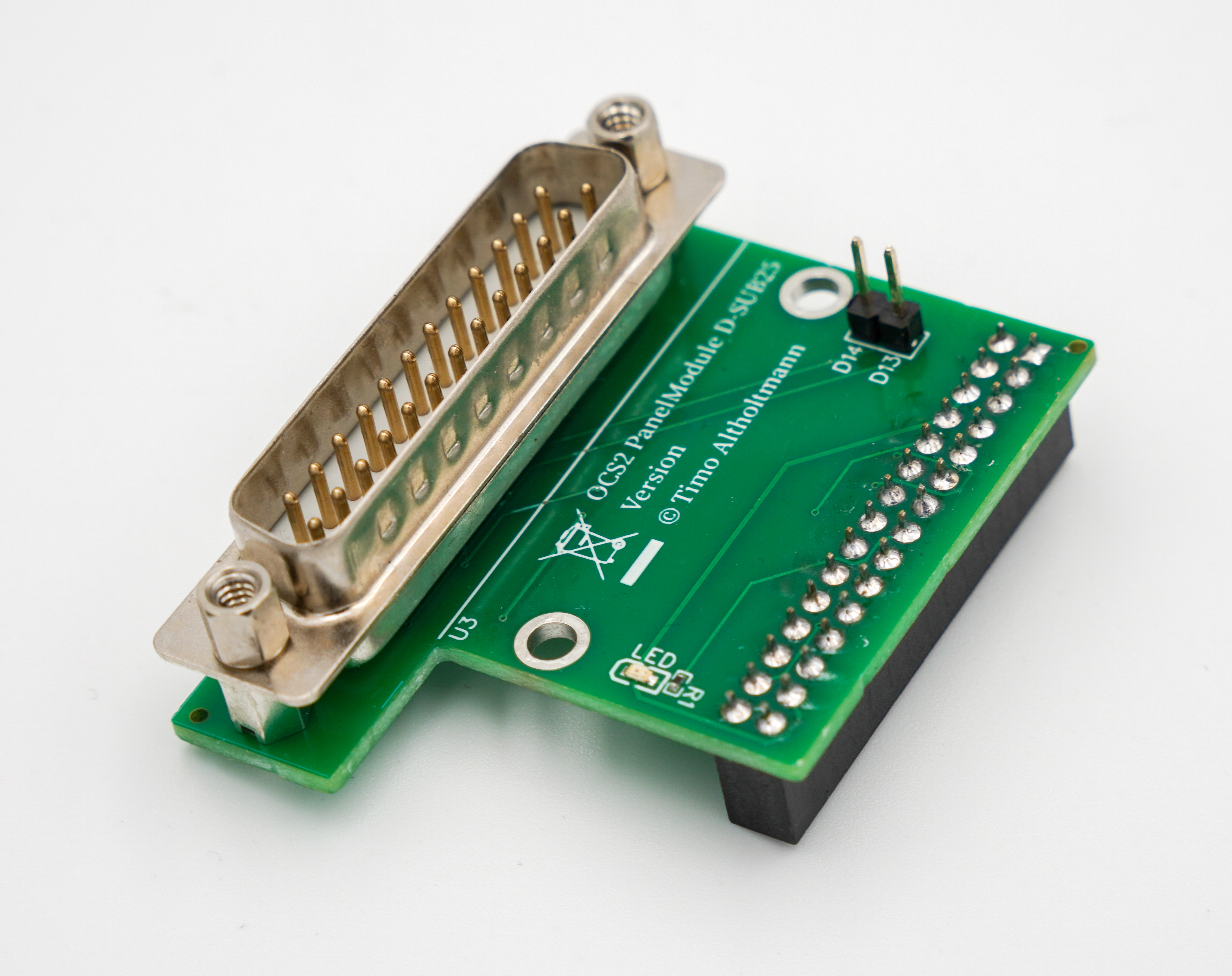
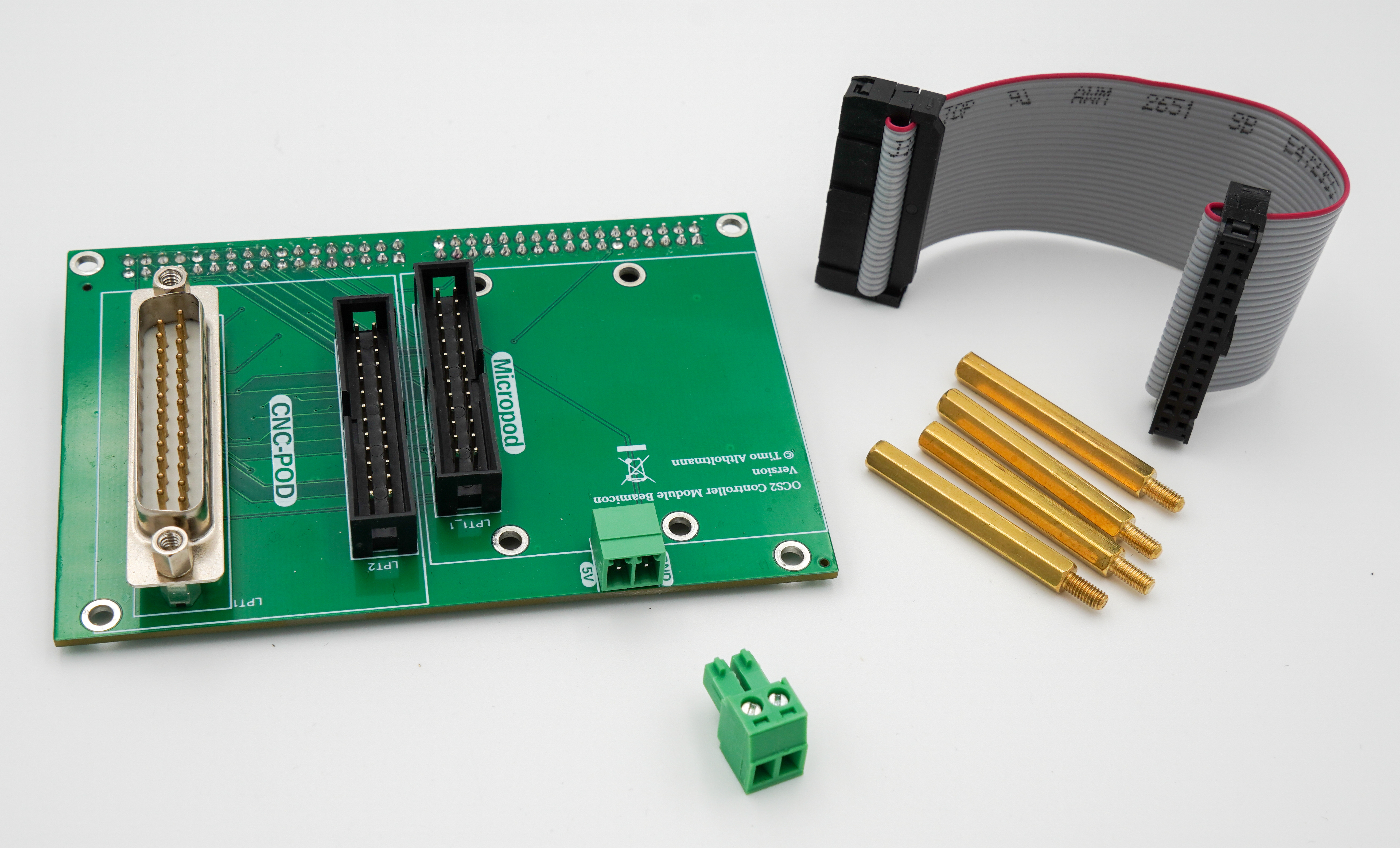
This PanelModule is an expansion board for the OPEN-CNC-Shield 2.This module provides a SUB-D25 connector for external control elements. Scope of Delivery: PanelModule Further Links: Documentation
External Control Elements
Here you can find accessories for building external control elements. Note that, as mentioned before, the use of external control elements also depends on the ControllerModule. Therefore, be sure to consult the controller documentation: ControllerModules.
In combination with Estlcam or the ColdEnd32, you can find a suitable overview here: Handwheel Estlcam / ColdEnd32
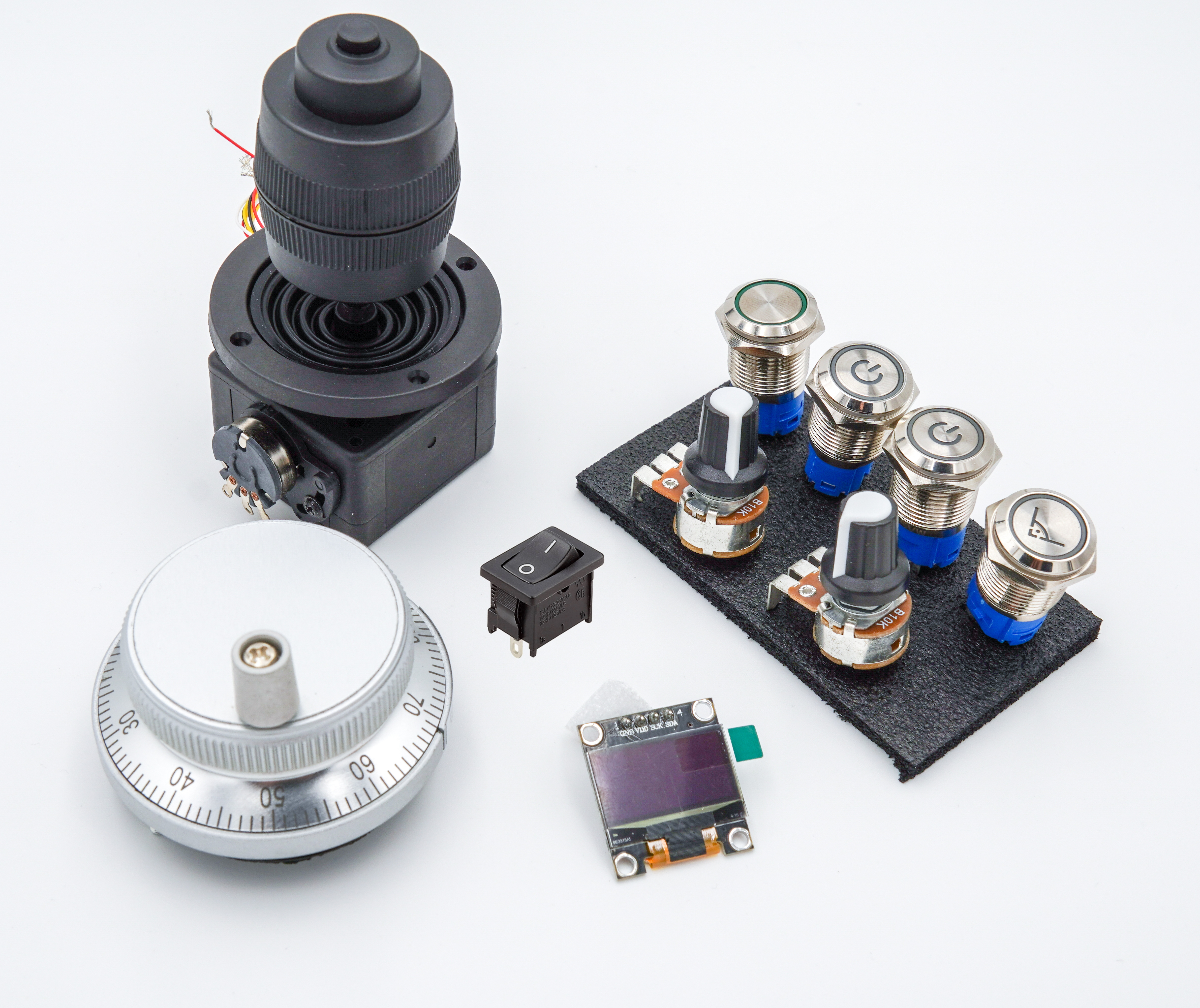
With this control element set, you can build your own control panel for Estlcam or a CNC milling machine. Note: if you use pre-designed enclosures, always pay attention to the dimensions of the individual components. In my enclosure designs, I have included the Fusion360 file so the button, switch, and potentiometer sizes can be adjusted accordingly. More information in my blog post Scope of Delivery 1x Encoder/handwheel 1x 4-axis joystick 10K 2x Push buttons – 16mm stainless steel – white LED – 5V – on/off symbol (Program/Motor Start/Stop) – IP67 1x Push button – 16mm stainless steel – white LED – 5V – right angle symbol (Autosquaring) – IP67 2x Potentiometers – 10k Ohm 1x Latching switch – 16mm stainless steel – white LED – 5V (Motor disable or Speed1/2) – IP67 1x Display 128x64 – OLED 1x On/Off rocker switch Further Links Matching enclosure on Thingiverse Guide for this handwheel version
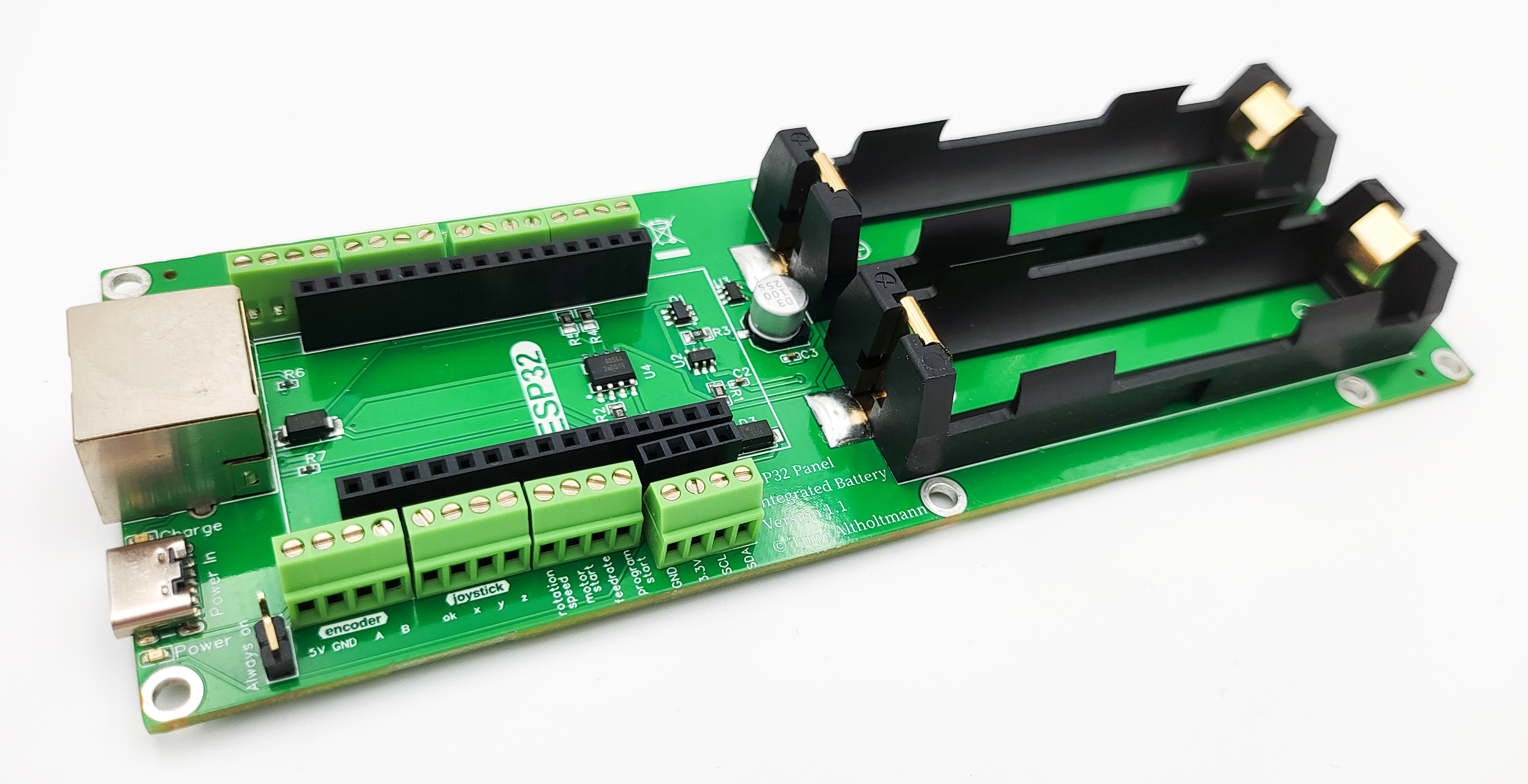
The ESP32 Panel Integrated Battery Board is designed for building external control panels. The ESP32 on the board communicates via WiFi with the OPEN-CNC-Shield 2. Its functionality is tailored for use with the Estlcam ControllerModule. When using a different controller, functionality may be significantly limited. Please refer to the documentation of each ControllerModule for details. Functions: WiFi communication - 2.4GHz - ESPNOW protocol Power supply via RJ45 or USB-C Dedicated signal line for the encoder in the RJ45 cable (the encoder signal is not transmitted via WiFi. A connection via RJ45 cable to the PanelModule RJ45 is required) Power supply possible through 2 x 18650 batteries Charging electronics with safety cutoff for 18650 batteries Battery charging via RJ45 connection to OCS2 or USB-C All inputs can be conveniently remapped in the ESP32 web interface software and used for other functions Various optional connection options: 4-pin - 5V encoder 3-axis joystick with OK button (for axis zeroing) Motor Start/Stop button Program Start/Stop button Feedrate potentiometer (feed speed) Rotation speed potentiometer (spindle speed) Autosquare button Axis selection X, Y, and Z (to select the axis for the encoder) No longer supported by Estlcam v12, but inputs can be remapped in software for other functions 4 free buttons (e.g., for power-off function or Speed1/Speed2) Connection for I2C, typically for a display Scope of delivery: ESP32 Panel Integrated Battery Board Commissioning: Examples of wiring can be found in the documentation. When new batteries are inserted, power must first be connected briefly via USB-C. Normal operation will then function afterward. Further links: Documentation Software / Firmware Connection diagram
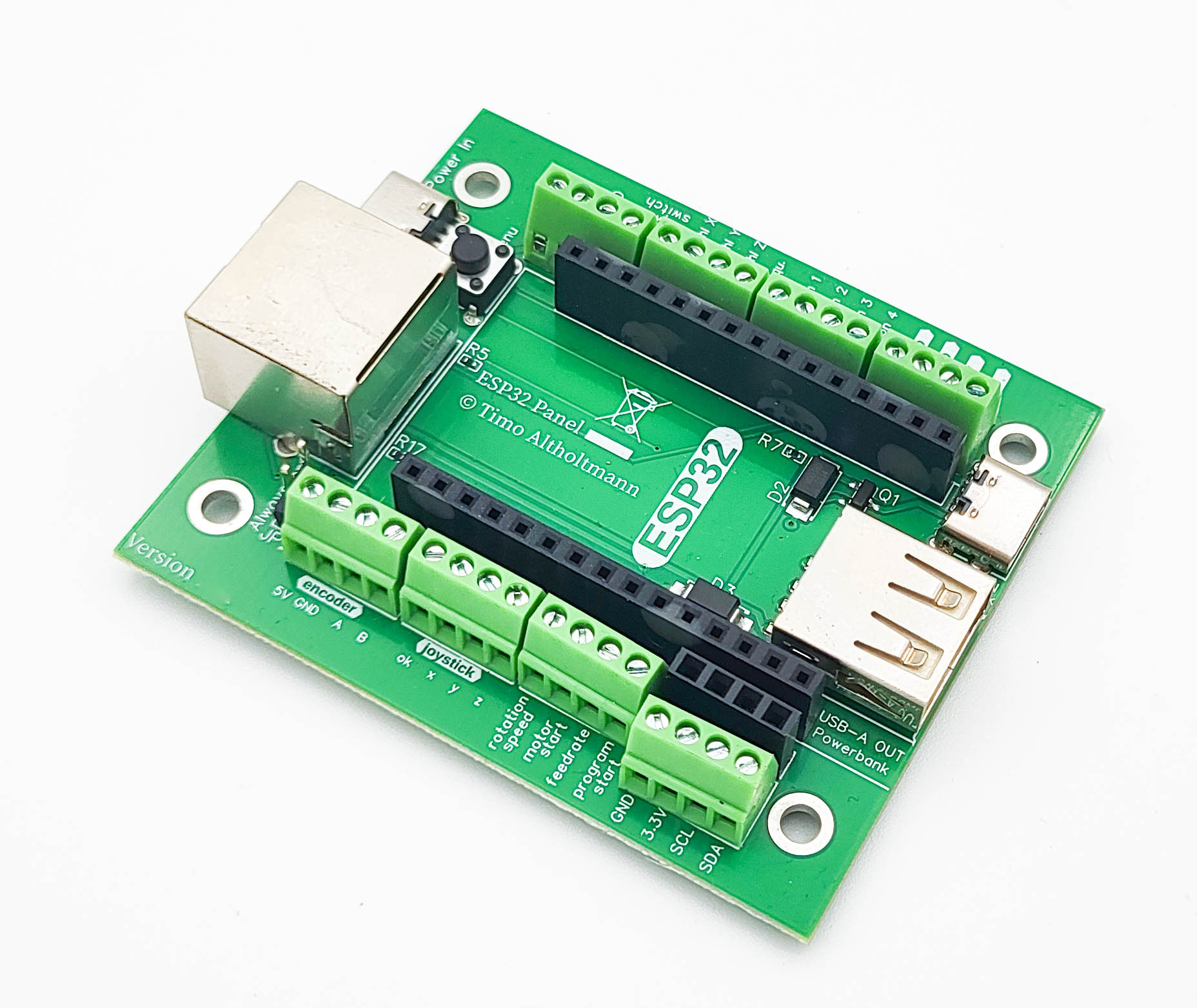
Image similar. Depending on the version, the board may differ slightly. The ESP32 Panel board is designed for building external control elements. The ESP32 on the board communicates via WiFi with the OPEN-CNC-Shield 2. Its functionality is tailored for use with the Estlcam ControllerModule. When using a different controller, functionality may be significantly limited. Please refer to the documentation of each ControllerModule for details. Functions: WiFi communication – 2.4 GHz – ESPNOW protocol Power supply via RJ45 Dedicated signal line for the encoder in the RJ45 cable (the encoder signal is not transmitted via WiFi; a connection with an RJ45 cable to the PanelModule RJ45 port is required) Power supply possible via power bank Charging the power bank possible (with RJ45 connection to the OPEN-CNC-Shield 2) All inputs can be conveniently remapped in the ESP32 web interface software and used for other functions Various optional connection options: 4-pin 5V encoder 3-axis joystick with OK button (for zeroing axes) Motor Start/Stop button Program Start/Stop button Feedrate potentiometer (feed speed) Rotation Speed potentiometer (spindle speed) Autosquare button Axis selection X, Y, and Z (to select the axis for the encoder) No longer supported by Estlcam v12, but the inputs can be remapped in the software for other functions 4 free buttons (can be used, for example, for motor disable or Speed1/Speed2 functions) I2C connector, typically for a display Scope of Delivery: ESP32 Panel board Further Links: Documentation Software / Firmware Connection diagram
Accessories
Here you can find general accessories.
The ESP32 is already integrated in the OCS2 Mini. However, the above handwheel boards require an ESP32.
The Arduino Mega is needed for the Estlcam ControllerModule or the GRBL Mega ControllerModule.
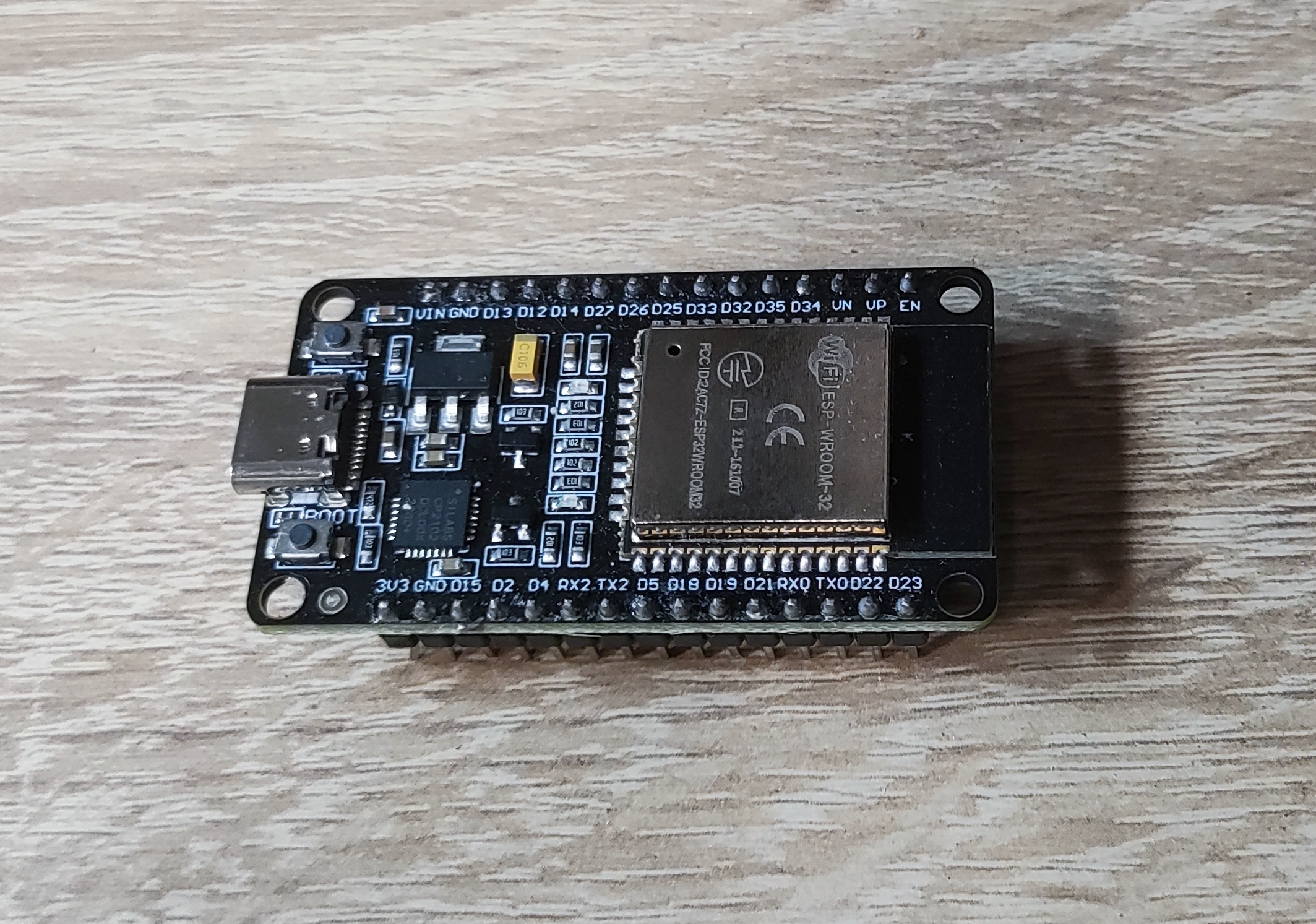
ESP32 Devkit DOIT V1 USB-C or Micro-USB connection (depending on stock) Links: Blog post: Firmware for my products ESP32 Panel Flash Tool OPEN-CNC-Shield 2 ESP32 Flash Tool
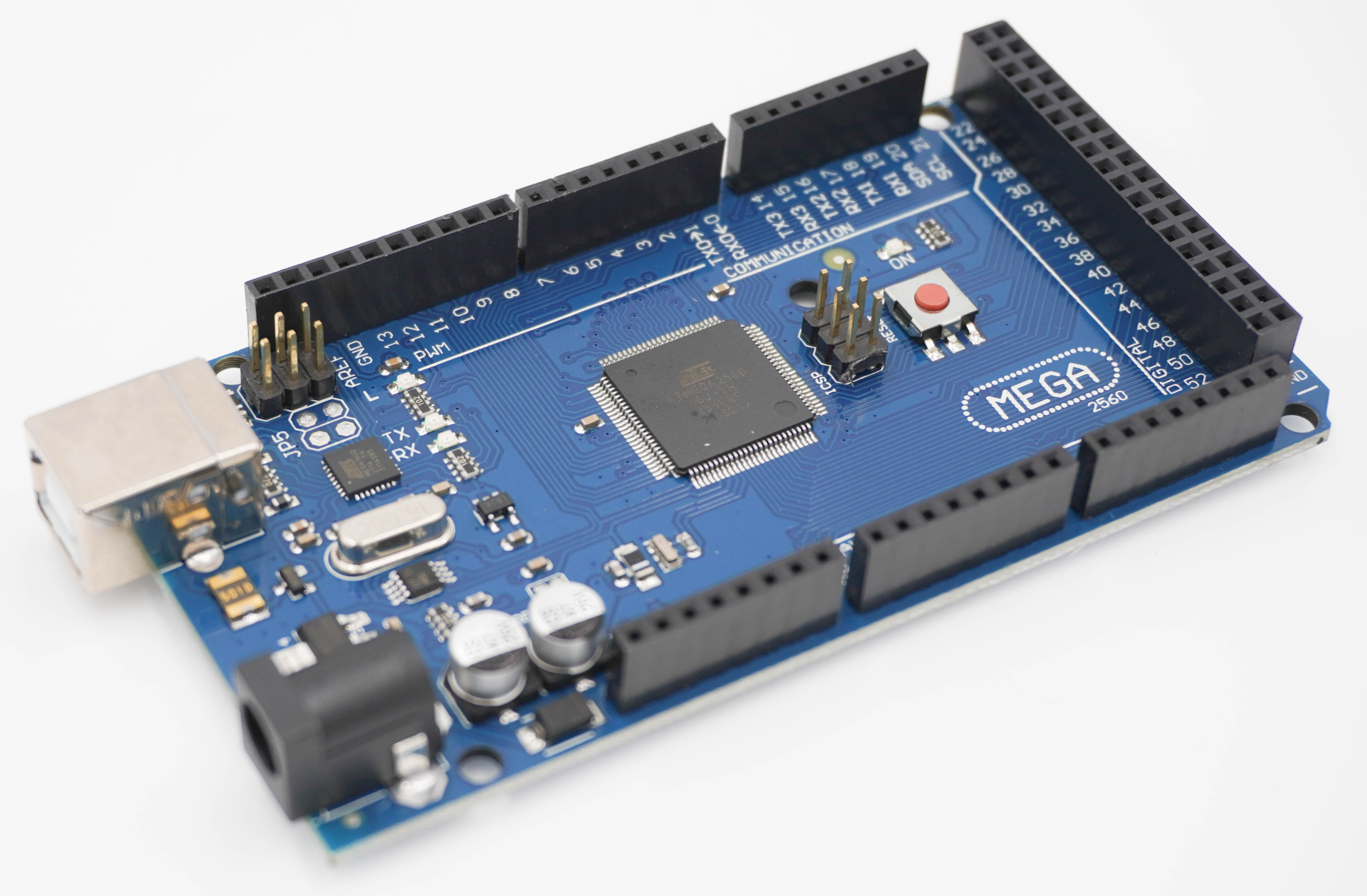
Microcontroller for control purposes. Can be used in a wide variety of applications. Required as an accessory for the following products: 1x for the Tillboard Extension 1x for ControllerModule Estlcam Specifications: Microcontroller: ATmega2560 ATmega16U2 100% Arduino compatible Operating voltage: 5V Input voltage (recommended): 6–12V Input voltage (limit): 12V Digital I/O pins: 54 (15 provide PWM output) Analog input pins: 16 DC current for 5V pin: 200 mA DC current for 3.3V pin: 80 mA Flash memory: 256 KB (8 KB used by bootloader) SRAM: 8 KB EEPROM: 4 KB Clock speed: 16 MHz LED_BUILTIN: 13 Dimensions (L x W x H): 150 mm x 54 mm x 16 mm Scope of Delivery: Arduino Mega 2560 R3