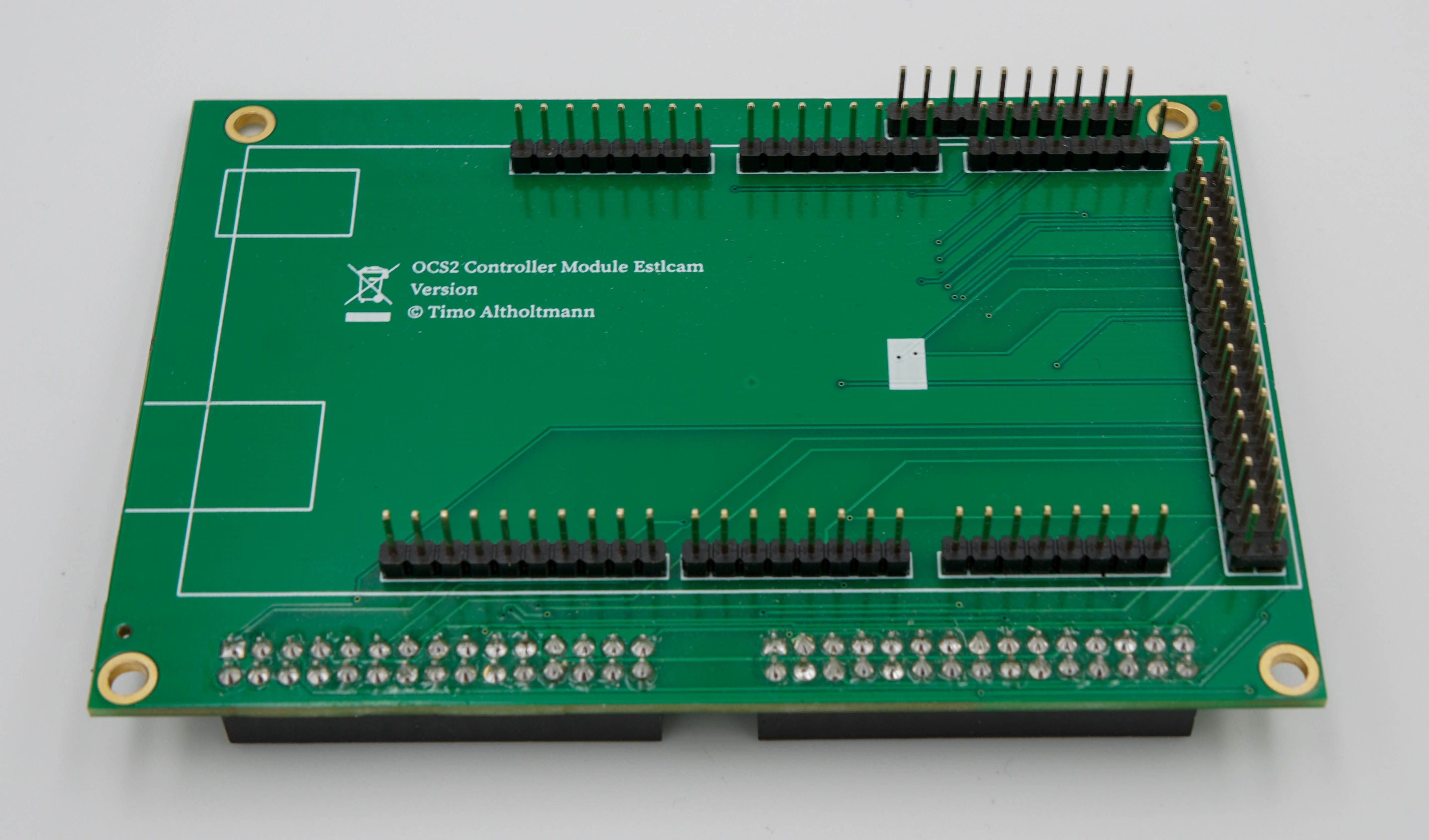
This ControllerModule is an expansion board for the OPEN-CNC-Shield 2.x for operation with the Estlcam control software. It is also possible to flash GRBL with a customized pinout onto the Arduino Mega, allowing the use of software such as LaserGRBL. Technical Specifications: 16 inputs 8 outputs 3 axes (axes on the mainboard can be paired, e.g. two X-axes) Spindle On/Off Spindle speed (0–5V, 0–10V, or 5V PWM) Support for the following external control elements: Handwheel / encoder Motor Start button Program Start button OK button (for zeroing the axes) Feedrate potentiometer (machine speed) Rotation Speed potentiometer (spindle speed) Joystick for easy manual movement Selection buttons for each axis (used with the handwheel) No longer supported by Estlcam v12 Two different speed settings (Speed 1 and Speed 2 – configurable in Estlcam) No longer supported by Estlcam v12 Pinout for remaining Estlcam functions: Speed 3–6 No longer supported by Estlcam v12 Motor Stop and Program Stop (unnecessary, as pressing the Start button again also stops the process) LED X, Y, and Z to indicate which axis is currently selected Scope of Delivery: ControllerModule Additionally Required for Operation: Arduino Mega 2560 OCS2 Mainboard PCB Further Links Documentation Video Tutorial
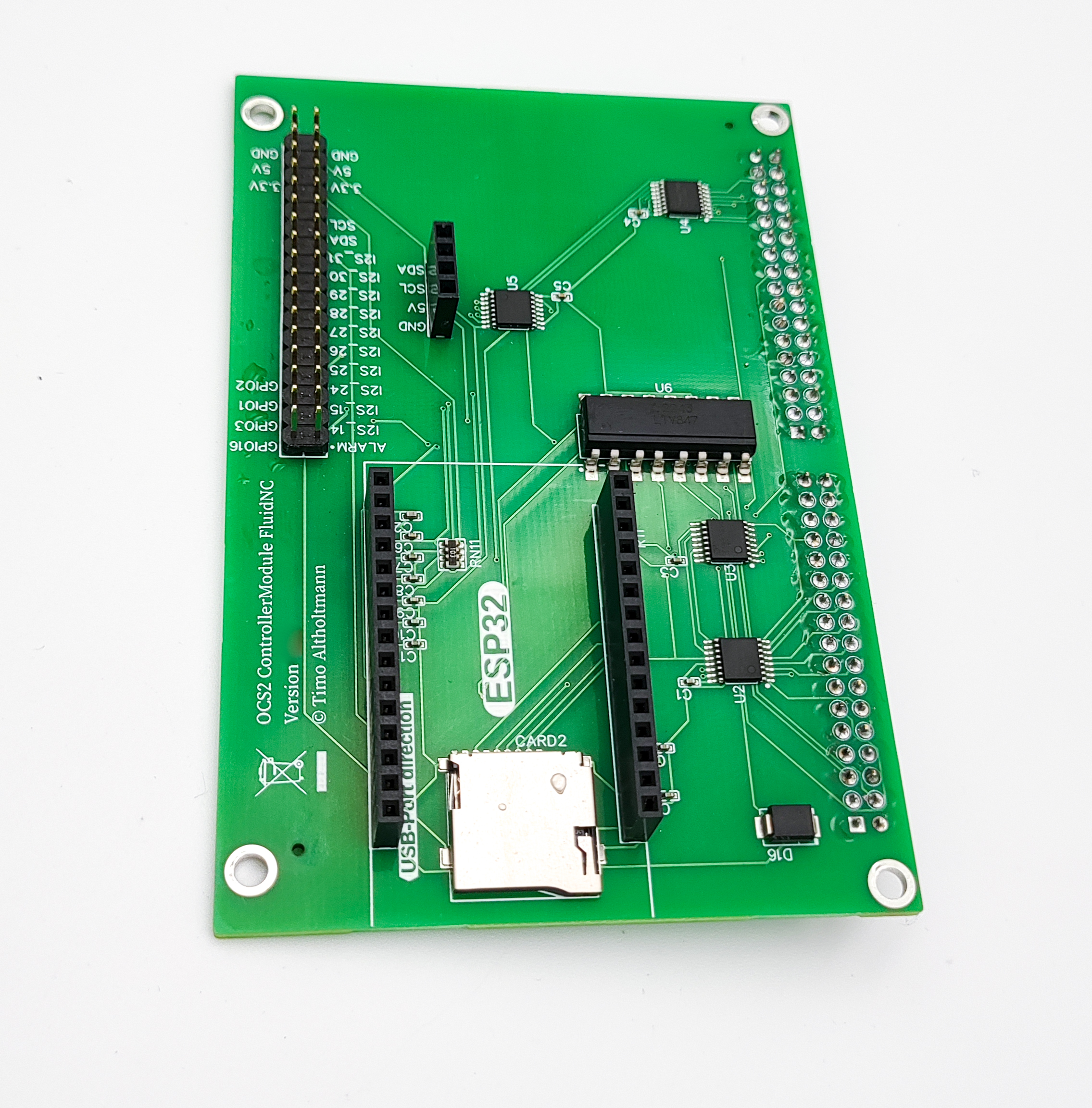
This ControllerModule is an expansion board for the OPEN-CNC-Shield 2.x for use with FluidNC. FluidNC is CNC firmware optimized for the ESP32 controller. It is the next-generation firmware from the creators of Grbl_ESP32. It includes a web-based user interface and offers the flexibility to control a wide variety of machine types, including the ability to operate machines with multiple tool types such as laser + spindle. Technical Specifications: 6 axes 8 inputs 8 outputs Connection to PC via USB or web interface Spindle speed control: 0–5V, 0–10V, or 5V PWM Spindle On/Off connection for switching a relay or frequency converter Micro SD card slot Connection for OLED display (unfortunately no longer supported by FluidNC; instead, a UART display is required) Scope of Delivery: ControllerModule FluidNC Additionally Required for Operation: ESP32 Devkit V1 OCS2 Mainboard PCB Further Links Documentation YouTube Video Tutorial
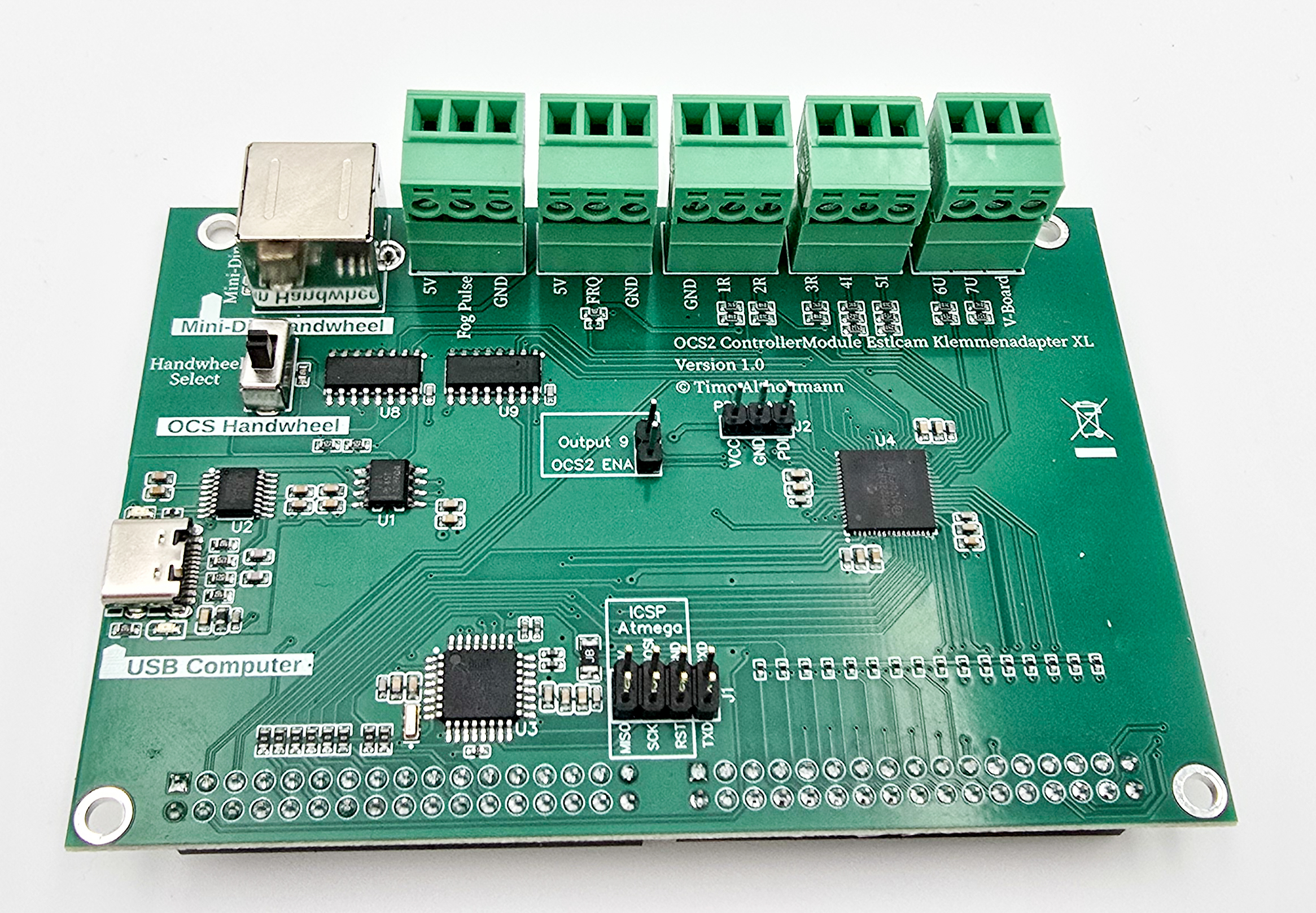
This controller is specifically designed for use with the software Estlcam, developed by Christian Knüll, which perfectly meets the requirements of hobbyists and semi-professional users. The controller module utilizes the latest Estlcam hardware and offers the extended features of the XL terminal adapter. Technical Data: Compatible only with Estlcam version 12.100 or higher. For older Estlcam versions, the ControllerModule Estlcam with Arduino Mega can be used. 3 axes (one axis can be operated with two individual motors for aligning a gantry milling machine via Estlcam) For motors/drivers/power stages with 5V step and direction signals 16 inputs 8 outputs 7 analog inputs, e.g. for temperature sensors, pressure sensors, etc. Pulse measurement, e.g. for flow sensors... Use of the original Estlcam Mini-Din handwheel or OCS2 handwheel Connection to PC via galvanically isolated USB-C port Protects the computer from short circuits Increased stability and interference suppression of the connection Spindle on/off Spindle speed control (0–5V, 0–10V, or 5V PWM) Optional: driver enable can be switched via an Estlcam output Supports the following external control elements: Handwheel / encoder Motor start button Program start button OK button (for zeroing the axes) Feedrate potentiometer (machine speed) Rotation speed potentiometer (spindle speed) Joystick for easy manual movement Additional functions directly on the ControllerModule 7 analog inputs 3 × resistance measurement (labeled 1R, 2R, 3R) 2 × 0–20mA current measurement (labeled 4I, 5I) 2 × 0–10V voltage measurement (labeled 6U, 7U) Connection for the original Estlcam handwheel via Mini-Din socket 5V step signal for a stepper driver This output generates precisely timed pulses, e.g. for mist cooling with injector valves or central lubrication with magnetic pumps. Frequency/pulse counting input (5V TTL) e.g. for monitoring spindle coolant flow using a turbine flow meter. Scope of Delivery: ControllerModule with all bootloaders and firmware preinstalled Required for operation OCS2 Mainboard or OCS2 Mainboard Mini Further Links Documentation Configuration example with an MPCNC
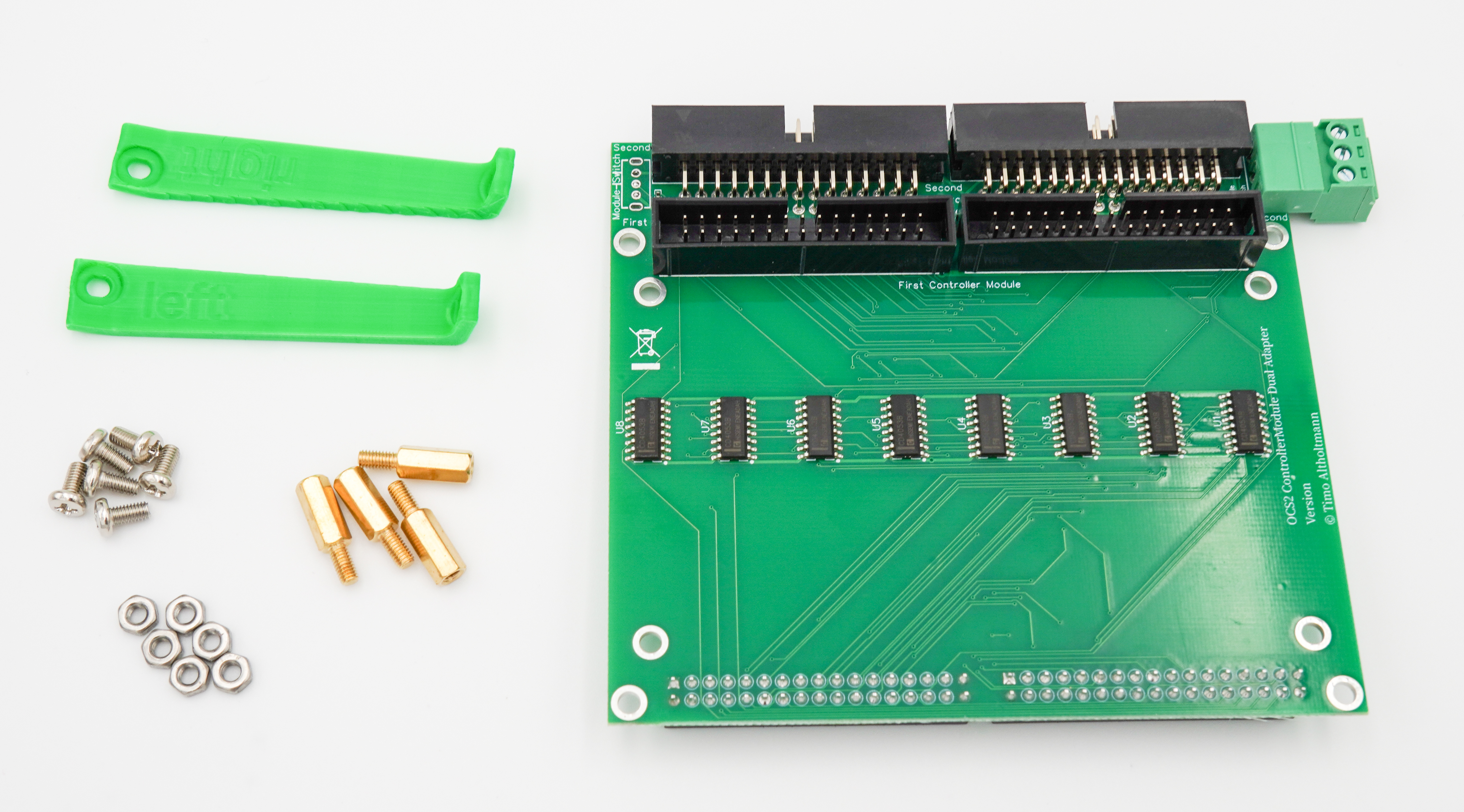
This ControllerModule is an expansion board for the OPEN-CNC-Shield 2.x and provides the option to switch between two different ControllerModules. This adapter is mounted on the controller module slot of the OCS2 and provides space for two additional modules. This allows two different controller modules to be operated on one OCS2. A switch on the dual adapter makes it easy to toggle between the two modules. However, note that the machine can only be controlled by one module at a time. A practical example would be using the FluidNC controller module for laser applications while the Estlcam controller module is used for milling operations. Overview Use of two ControllerModules without replugging Switch which module is active with a toggle switch The following signals are switched/disconnected: STEP and DIR for all 6 axes Spindle on/off Spindle PWM All 8 outputs The following signals are present on both ControllerModules (generally all input signals): Input 1–16 Encoder A/B Motor Start (control panel) Program Start (control panel) OK button (control panel) Feedrate (control panel) Rotation Speed (control panel) Joystick X/Y/Z (control panel) Selection X/Y/Z (control panel) Speed 1/2 (control panel) ENA/Enable of motor drivers ALARM_ALL of motor drivers I2C from ESP32 Compatibility: Not all combinations of controllers and configurations have been tested. Please refer to the notes in the documentation regarding compatibility! Scope of delivery: ControllerModule Dual Adapter 6 x M3 screws 6 x M3 nuts 4 x spacers 2 x 3D printed brackets Required for operation: An additional ControllerModule to control the CNC Further links Documentation Blog post YouTube video 3D print files for brackets
This ControllerModule is an expansion board for the OPEN-CNC-Shield 2.x for operation with GRBL. Technical Specifications: 5 inputs 3 outputs 3 axes (axes on the mainboard can be paired, e.g. two X-axes) Spindle On/Off Spindle speed (0–5V, 0–10V, or 5V PWM) Support for the following external control elements: Motor Start button (GRBL “feed hold” – repurposed) Program Start button (GRBL “cycle start”) OK button (GRBL “reset” – repurposed) Pinout for free Arduino Mega pins Scope of Delivery: ControllerModule Additionally Required for Operation: Arduino Mega 2560 OCS2 Mainboard PCB Further Links Documentation
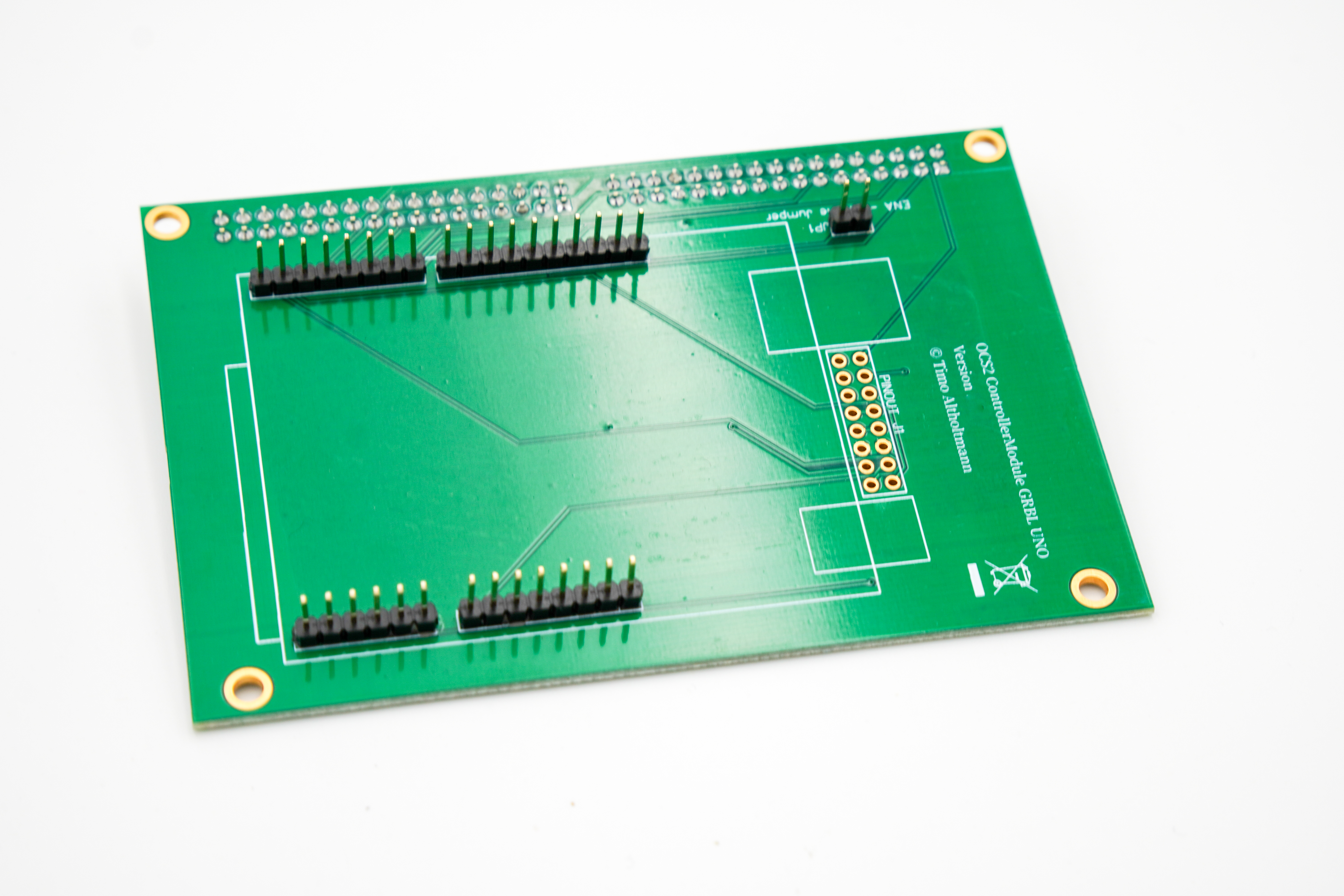
This ControllerModule is an expansion board for the OPEN-CNC-Shield 2.x for operation with GRBL. Technical Specifications: 5 inputs 3 outputs 3 axes (axes on the mainboard can be paired, e.g. two X-axes) Spindle On/Off Spindle speed (0–5V, 0–10V, or 5V PWM) Support for the following external control elements: Motor Start button (GRBL “feed hold” – repurposed) Program Start button (GRBL “cycle start”) OK button (GRBL “reset” – repurposed) Pinout for free Arduino Uno pins Scope of Delivery: ControllerModule Additionally Required for Operation: OCS2 Mainboard PCB An Arduino Uno Further Links Documentation
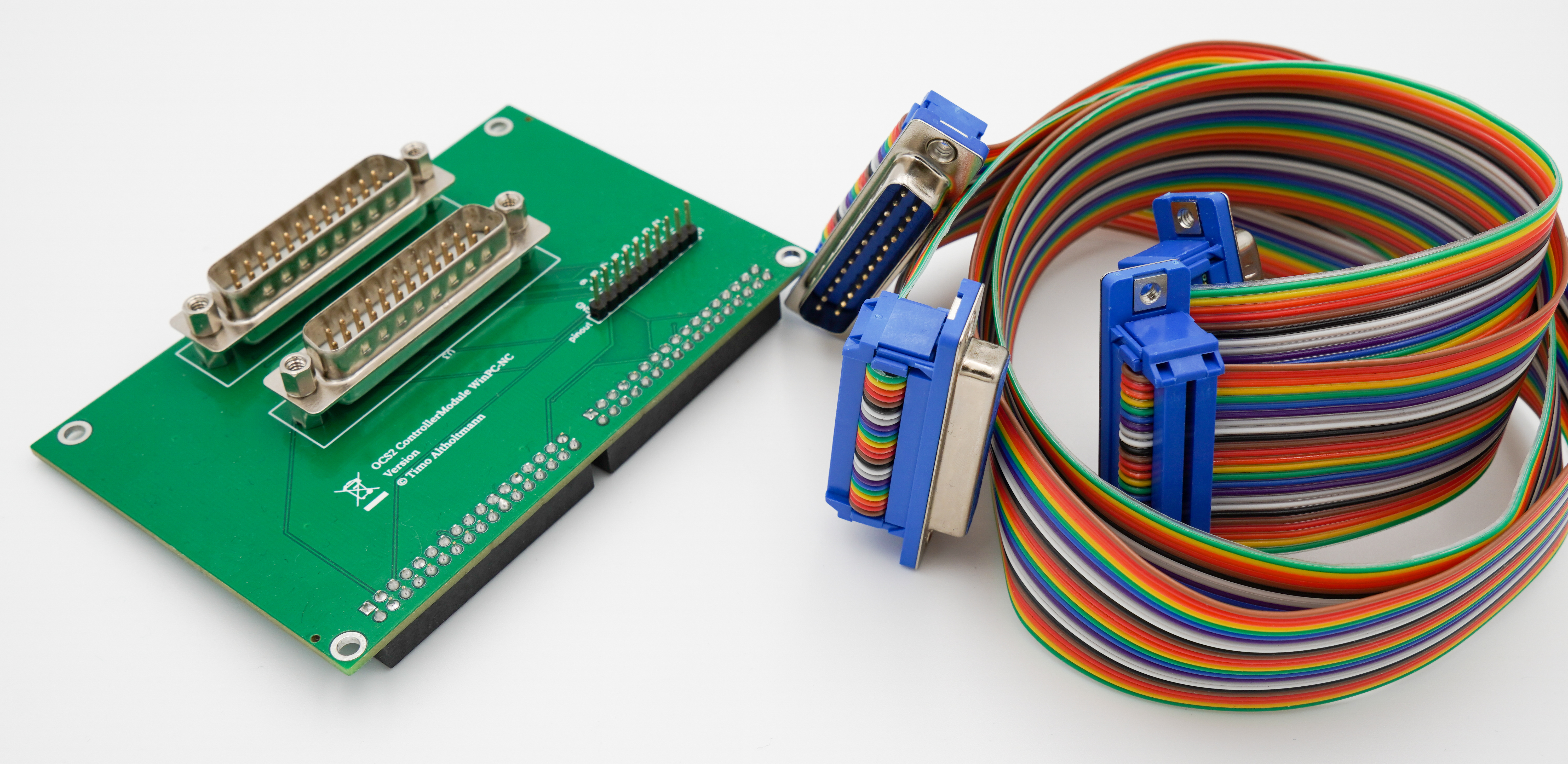
This ControllerModule is an expansion board for the OPEN-CNC-Shield 2.x for use with WinPC NC. Technical Specifications: 4 axes 10 inputs 5 outputs Connection to PC via USB WinPC generally supports external handwheels via USB connection to the computer, making them independent of the OPEN-CNC-Shield 2 Spindle speed control: 0–5V, 0–10V, or 5V PWM Spindle On/Off connection for switching a relay or frequency converter Scope of Delivery: ControllerModule 2 x 30 cm D-SUB25 connection cables for WinPC NC USB controller Additionally Required for Operation: WinPC NC USB controller OCS2 Mainboard PCB Further Links Documentation
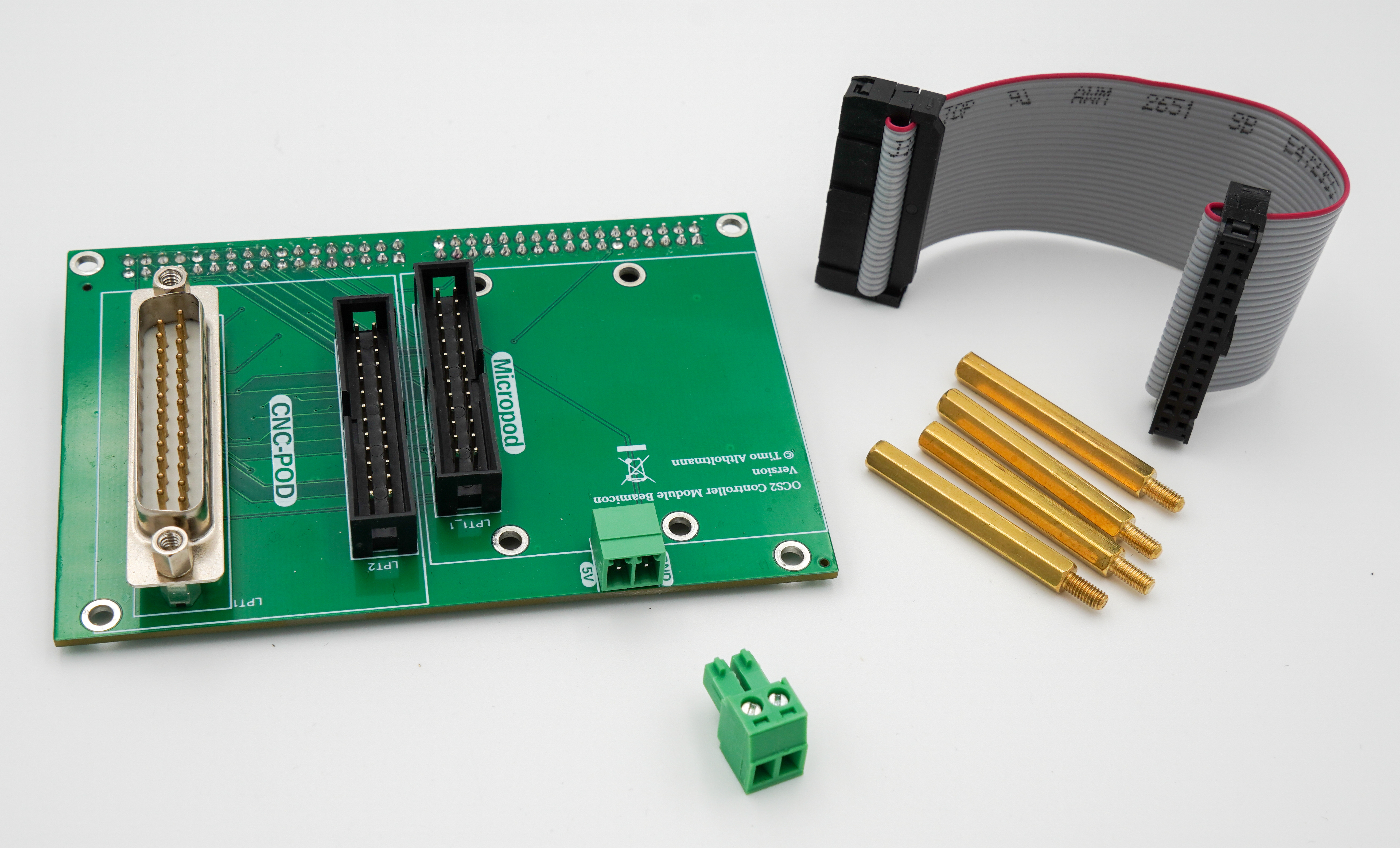
This ControllerModule is an expansion board for the OPEN-CNC-Shield 2.x designed for use with Beamicon boards. It supports both the Micropod and the CncPod2 boards from Beamicon. Since the functionality of these two boards differs significantly, the following sections describe each separately. Technical Specifications – CncPod2 Up to 6 axes 9 inputs 8 outputs Connection to PC via RJ45 – LAN Beamicon generally supports external handwheels via USB/RJ45 connection to the computer, making them independent of the OPEN-CNC-Shield 2 Spindle speed control: 0–5V, 0–10V, or 5V PWM Spindle On/Off connection for switching a relay or frequency converter Technical Specifications – Micropod Up to 4 axes 6 inputs 2 outputs Connection to PC via RJ45 – LAN Beamicon generally supports external handwheels via USB/RJ45 connection to the computer, making them independent of the OPEN-CNC-Shield Spindle speed control: 0–5V, 0–10V, or 5V PWM Spindle On/Off connection for switching a relay or frequency converter Scope of Delivery: ControllerModule 2-pin screw connector 4 x spacer bolts 10 cm 2x25-pin IDC cable Additionally Required for Operation: Beamicon CncPod2 or Micropod OCS2 Mainboard PCB Further Links Documentation Video Tutorial